Remote support
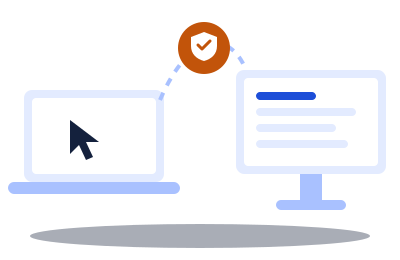
I take control of your computer to fix it, without travelling. You see everything I do, and you can stop at any time.
Download the support toolFree RustDesk software · Windows and Mac · No installation needed
A question? Call me: 06 76 83 65 40
3 steps, that's all
It takes a minute, even if you're not comfortable with computers.
- 1
Download
Click the orange button above. In the list, pick the file ending in x86_64.exe (on Mac: the one ending in .dmg).
- 2
Open the file
Double-click it, then click “Run”. A window opens with your ID (a number) and a password.
- 3
Send them to me
Text these two details to 06 76 83 65 40. I'll call you right back.
To stop, simply close the RustDesk window at any time.
Payment: online only, by bank card, always in advance
All payments are made online only, by bank card, on a secure payment page. No cash, no cheques, and never any payment to the technician, even when he comes to your home.
You always pay in advance. Outside a plan, each 30-minute session is paid before it starts, including when the technician comes to your home; the travel fee is also paid in advance.
A session lasts 30 minutes. The technician always finishes one thing before starting another: at the end of the session, your computer works. If there is work left, you choose: a new session paid in advance straight away, or the rest on another day.
Your security first
- I never connect without your consent, and only when you called me.
- The RustDesk password changes every time : it only works for this session.
- Before starting, I ask for your agreement by text message to begin straight away. As provided by law, a completed job can then no longer be cancelled or refunded.
- Never give your ID and password to someone who calls you out of the blue, even if they say they're from “Microsoft” or your bank.
- I will never ask for your personal passwords or bank codes.
- Payment online only by bank card, always before the session. No cash, no payment to the technician.